
Google Flow AI: What It Is, How It Works, and Why It Matters
Google Flow is an AI-powered creative studio that lets you generate videos, images, and visual stories using Google’s most advanced models — Veo, Imagen, and Gemini. It is available for free at flow.google with optional paid plans for higher limits and 1080p output.
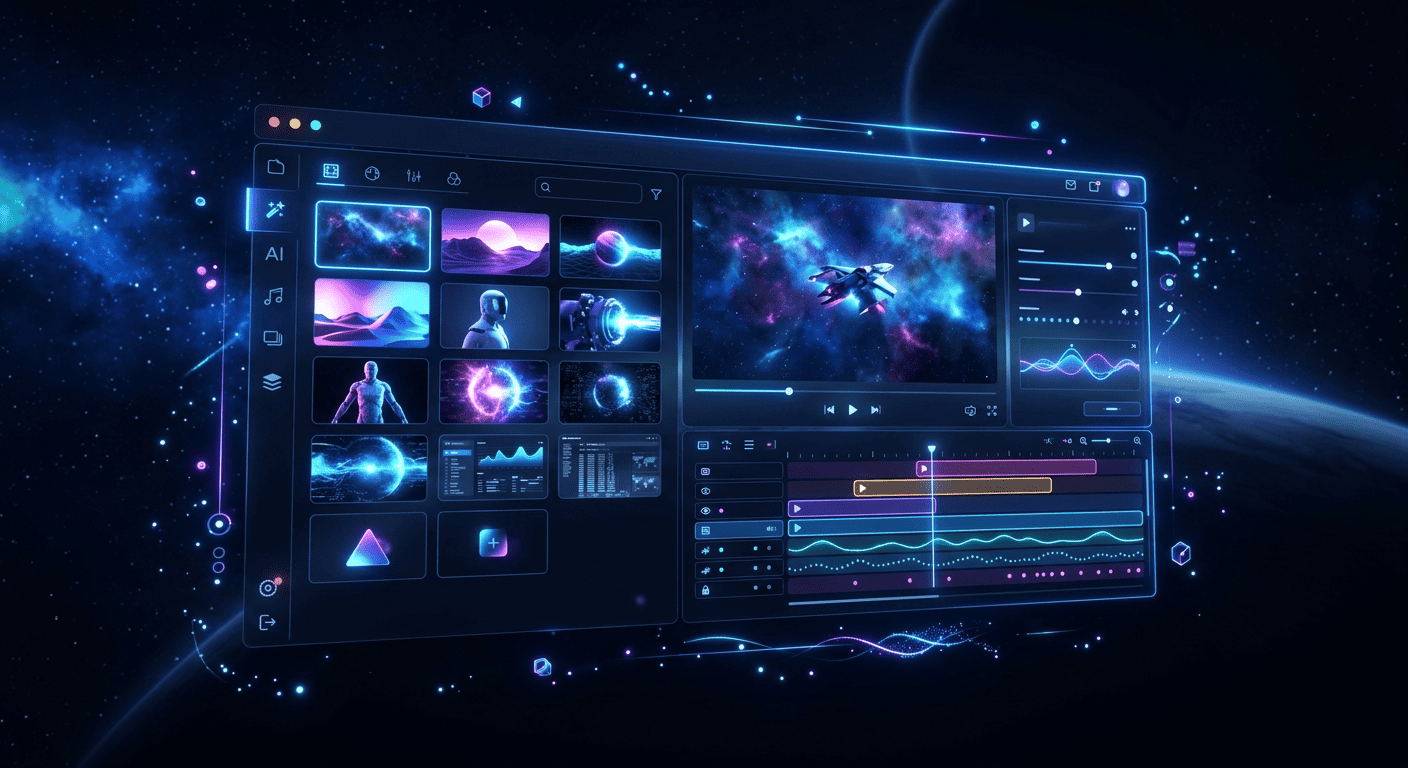
- Generate videos from text prompts, reference images, or sketch frames
- Create and edit images with built-in Whisk and ImageFX
- Control camera movements — pans, tilts, zooms, tracking shots
- Assemble clips into scenes with the Scenebuilder storyboard
- Free tier gives 50 AI credits per day, no subscription required
What Google Flow Actually Does
Flow is Google’s answer to Runway, Kling, and Sora. It combines three tools that used to be separate — Whisk (image remixing), ImageFX (image generation), and Veo (video generation) — into a single workspace.
After the March 2026 redesign, you no longer need to jump between different Google Labs experiments. Everything lives in one interface: generate an image, refine it, then turn it into a video — all without leaving Flow.
The core models powering Flow:
- Veo 3.1 — video generation with native audio, lip-sync, and ambient sounds
- Imagen — photorealistic image generation
- Gemini — natural language understanding for complex scene descriptions
Key Features
Text to Video
Type a prompt describing your scene, and Flow generates a video clip. You can specify camera angles, lighting, movement style, and even the mood. Simple prompts work, but detailed descriptions give you more control.
Ingredients to Video
Upload reference images — characters, objects, styles — and use them as consistent elements across your video prompts. This solves the biggest problem in AI video: keeping characters looking the same across different clips.
Frames to Video
Draw or upload keyframes, and Flow animates between them. Useful for storyboard-to-video workflows where you already know what each shot should look like.
Image Generation
Whisk and ImageFX are now built directly into Flow. Generate images, remix them, swap elements, extend backgrounds — then use those images as ingredients for video generation.
Camera Control
Direct camera movement with precision: pan left, tilt up, dolly in, tracking shot following a subject. This is where Flow stands out from most competitors — the camera controls feel intentional, not random.
Scenebuilder
Assemble individual clips into a sequence. Add transitions, reorder shots, build a narrative. It is a basic timeline editor, but it is enough to turn random clips into a coherent story.
Pricing and Plans
| Plan | Price | What You Get |
|---|---|---|
| Free | $0 | 50 daily AI credits for Whisk and Flow |
| Google AI Pro | $19.99/mo | Full Flow access, Veo 2 model |
| Google AI Ultra | $249.99/mo | Highest limits, 1080p video, Veo 3, advanced camera controls |
Free users can experiment and create short clips. Pro unlocks the full toolset. Ultra is for serious creators who need the best quality and highest output.
How to Get Started
- Go to labs.google/flow
- Sign in with your Google account
- Click “New Project”
- Choose your starting point: text prompt, image upload, or frame sketch
- Click “Generate” and wait for your result
No installation needed. Flow runs entirely in the browser. Your projects save automatically to your Google account.
What is Coming Next
Google has announced two major additions planned for 2026:
- Gemini-powered prompting — describe complex scenes in natural language and the AI breaks them into multi-shot sequences automatically
- YouTube integration — direct-to-YouTube publishing without leaving Flow
Related Articles
- Google Flow Text to Video Guide
- Google Flow Veo 3: Video Generation
- Is Google Flow Free? Pricing and Plans
- Google Flow Login and Setup
- Google Flow vs Runway
FAQ
- Is Google Flow AI free to use?
Yes. Any Google account gets 50 free AI credits daily. You can generate images and short videos without paying anything. Paid plans ($19.99/mo or $249.99/mo) unlock higher limits and better quality.
- What is the difference between Google Flow and Veo?
Veo is the video generation model. Flow is the workspace that uses Veo (along with Imagen and Gemini) to let you create, edit, and assemble videos. Think of Veo as the engine and Flow as the car.
- Can I use Google Flow for commercial projects?
Google allows commercial use of content created in Flow, subject to their terms of service. Check the latest Google Labs terms for specific restrictions.
- How does Google Flow compare to Runway or Sora?
Flow main advantages are free access, tight integration with Google ecosystem, and the unified workspace approach. Runway has more editing tools. Sora produces longer clips. Flow sits in the middle with the best price-to-quality ratio.
- Do I need a powerful computer to use Google Flow?
No. Flow runs in Google cloud. Any device with a modern browser works — laptop, desktop, even a tablet. All the heavy processing happens on Google servers.